- Go to retool.
- Search for the booking.
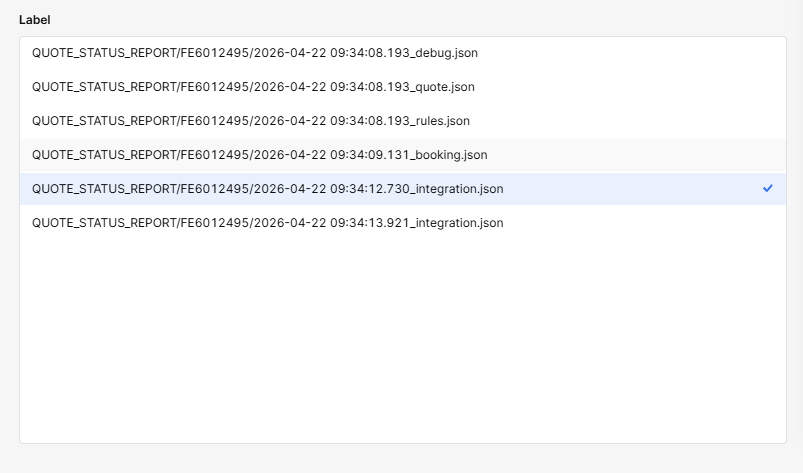
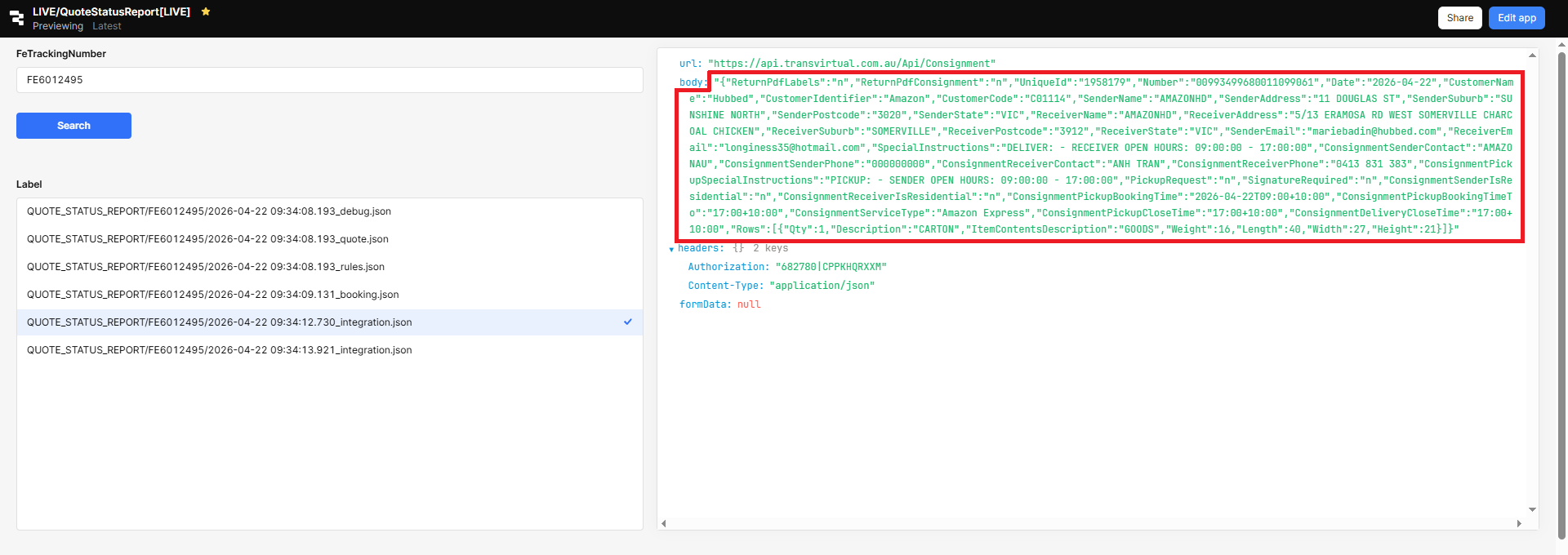
- Check the integration json.log.
- Copy the body to a notepad and save it as text.
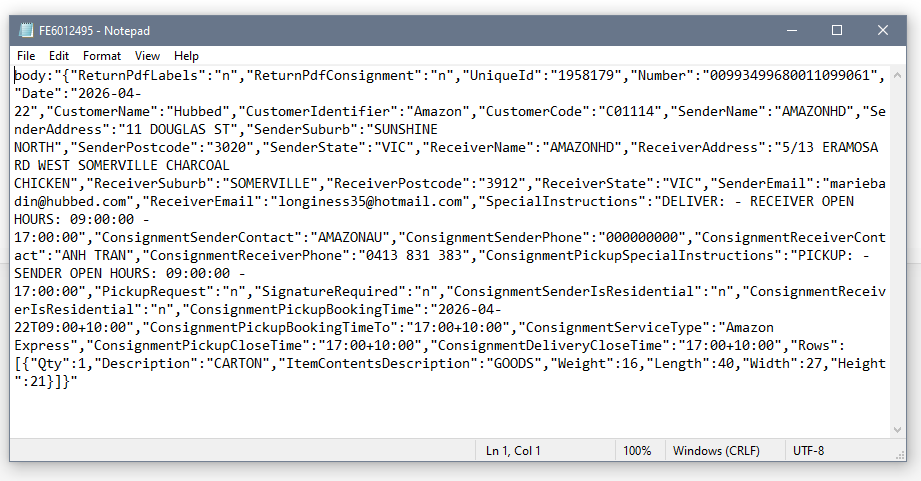
- The file can be sent as an attachment when responding to request. Sample enquiry: https://freightexchange.freshdesk.com/a/tickets/795871
Was this article helpful?
That’s Great!
Thank you for your feedback
Sorry! We couldn't be helpful
Thank you for your feedback
Feedback sent
We appreciate your effort and will try to fix the article