Step by Step Guide
To manage and clear exceptions:
- Login to V1 as Super Admin user.
- Click Super User>Jobs.
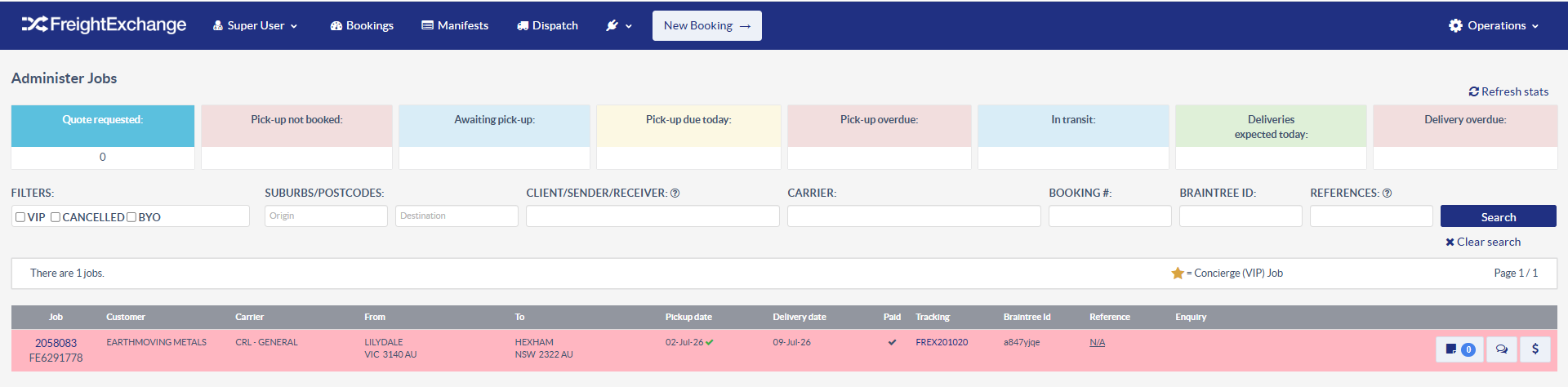
- From the Administer Jobs screen, click the Quote Requested option.

- Open each booking on the list.
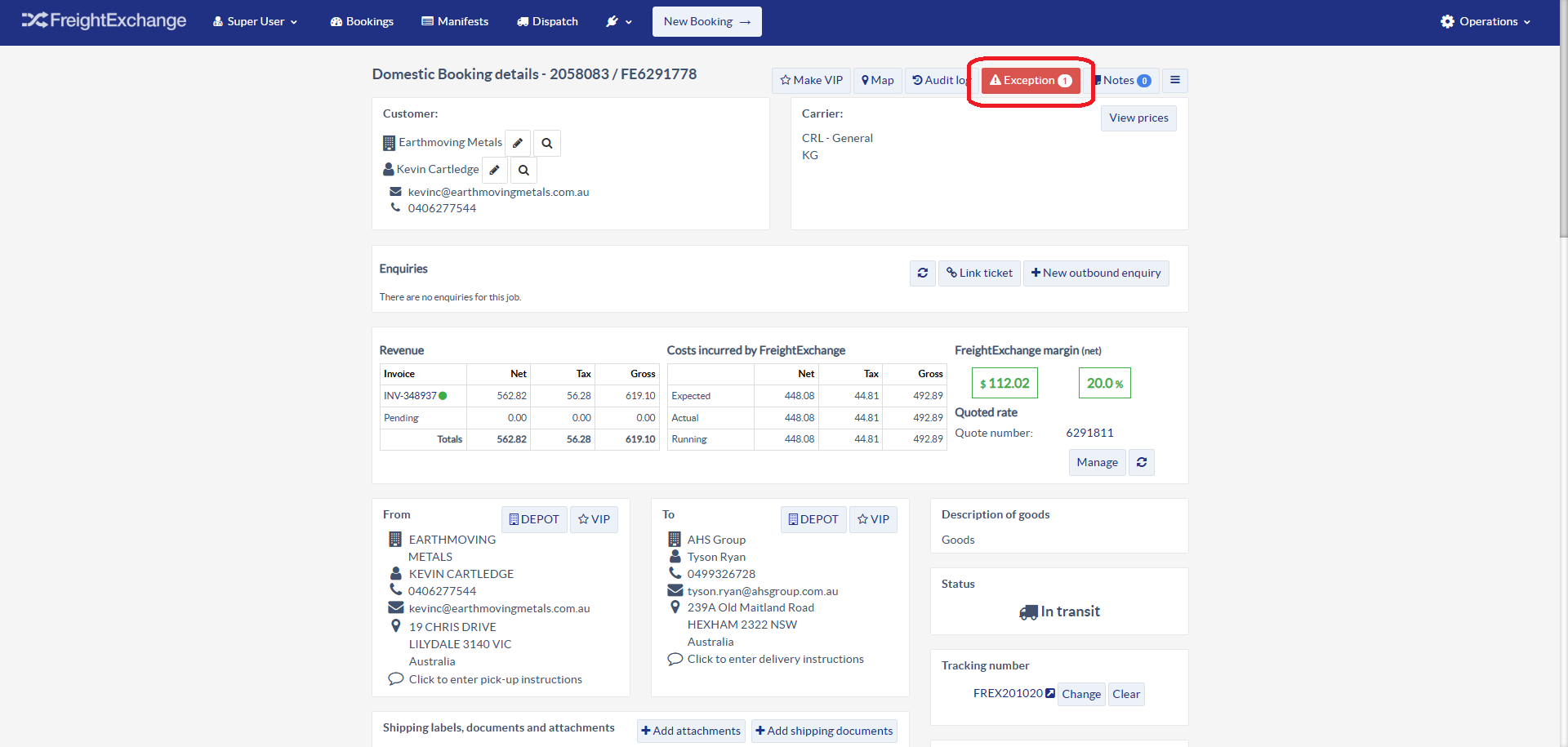
- Click on the Exceptions button at the top.
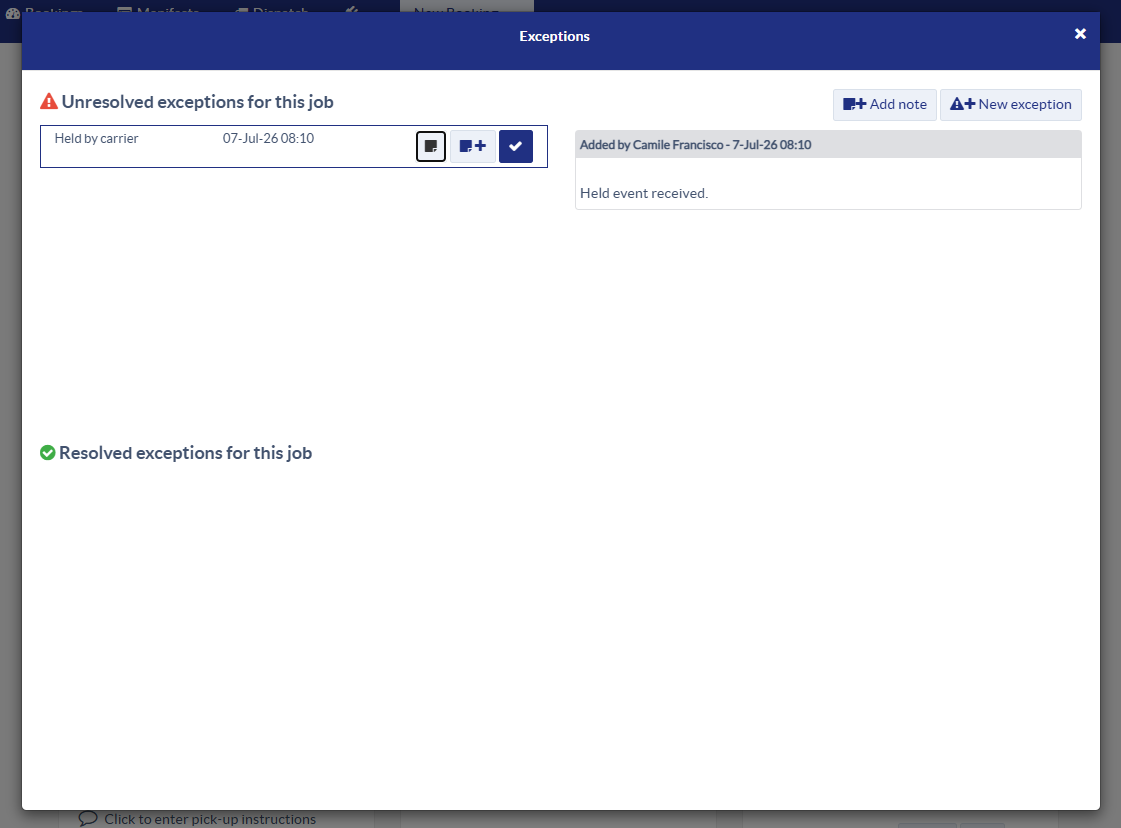
- Determine what the issue is, check all related booking information and action to resolve accordingly.
Was this article helpful?
That’s Great!
Thank you for your feedback
Sorry! We couldn't be helpful
Thank you for your feedback
Feedback sent
We appreciate your effort and will try to fix the article