If you have an existing account and rates with Fedex International you can easily bring your own accounts across to FreightExchange to receive quotes, print labels and book and track shipments along side our other broker carriers.
Part 1: Get your Fedex International Credentials
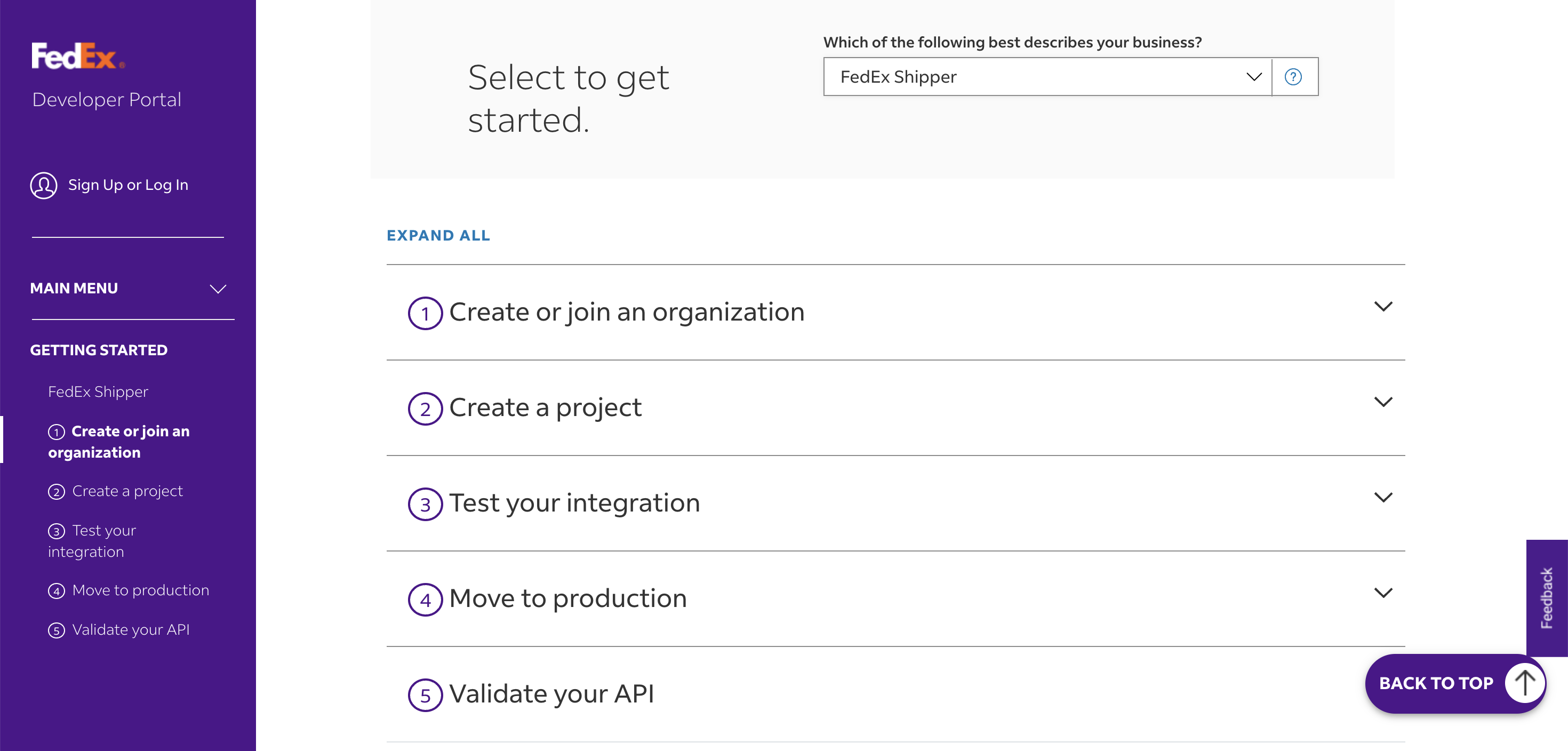
To get started with the FedEx international API key, create an account on the FedEx Developer Portal, then create an organization and an API project by selecting the APIs you need, such as the Shipping and Rates APIs. After configuring the project, you will be able to access your client ID, client secret, and account number, and then you can generate your API key and secret in the project settings.
For detailed information on getting started, refer to the Fedex Getting Started Guide here https://developer.fedex.com/api/en-us/get-started.html.
Part 2: Set-up your Carrier Account
Follow the instructions on our How To Connect Your BYO Carrier Accounts help article.
Once all the above steps are done, you can proceed to book your shipments without your rates being loaded.
If you prefer to upload your own rates, you can upload your rate card directly into your FreightExchange account.
See Manage BYO Carrier Zones, Transit Times, & Rate Cards
Part 3: Test Bookings
Once you have completed the setup, perform test bookings to confirm your configuration is correct.
To do this:
- Run sample quotes and check that the rates returned by the system are correct.
- Review the generated labels and have them signed off by your account manager.
- Confirm with your account manager that the test bookings were received as expected in their system.
This validation helps ensure your setup is working correctly before processing live bookings.
Need help with setup?
If you’d like assistance configuring your carrier account or uploading rate cards, our team can help with the setup on your behalf. Please note this is available as a one-time configuration service (fee applies).
Was this article helpful?
That’s Great!
Thank you for your feedback
Sorry! We couldn't be helpful
Thank you for your feedback
Feedback sent
We appreciate your effort and will try to fix the article